


Codex
Codex in the ChatGPT desktop app
Plan a figure, generate artwork, and refine files in one project.
Use the Skills-enabled desktop app, an account with Codex access, and a session with imagegen available. Image generation uses platform limits.
BENCH2RESULT · FREE SCIENTIFIC VISUALIZATION SKILL
A free scientific visualization Skill to help you structure ideas, create mechanism schematics and data figures with AI, and refine them as your work develops.
Use it in your chosen AI platform · For biomedical and life science research
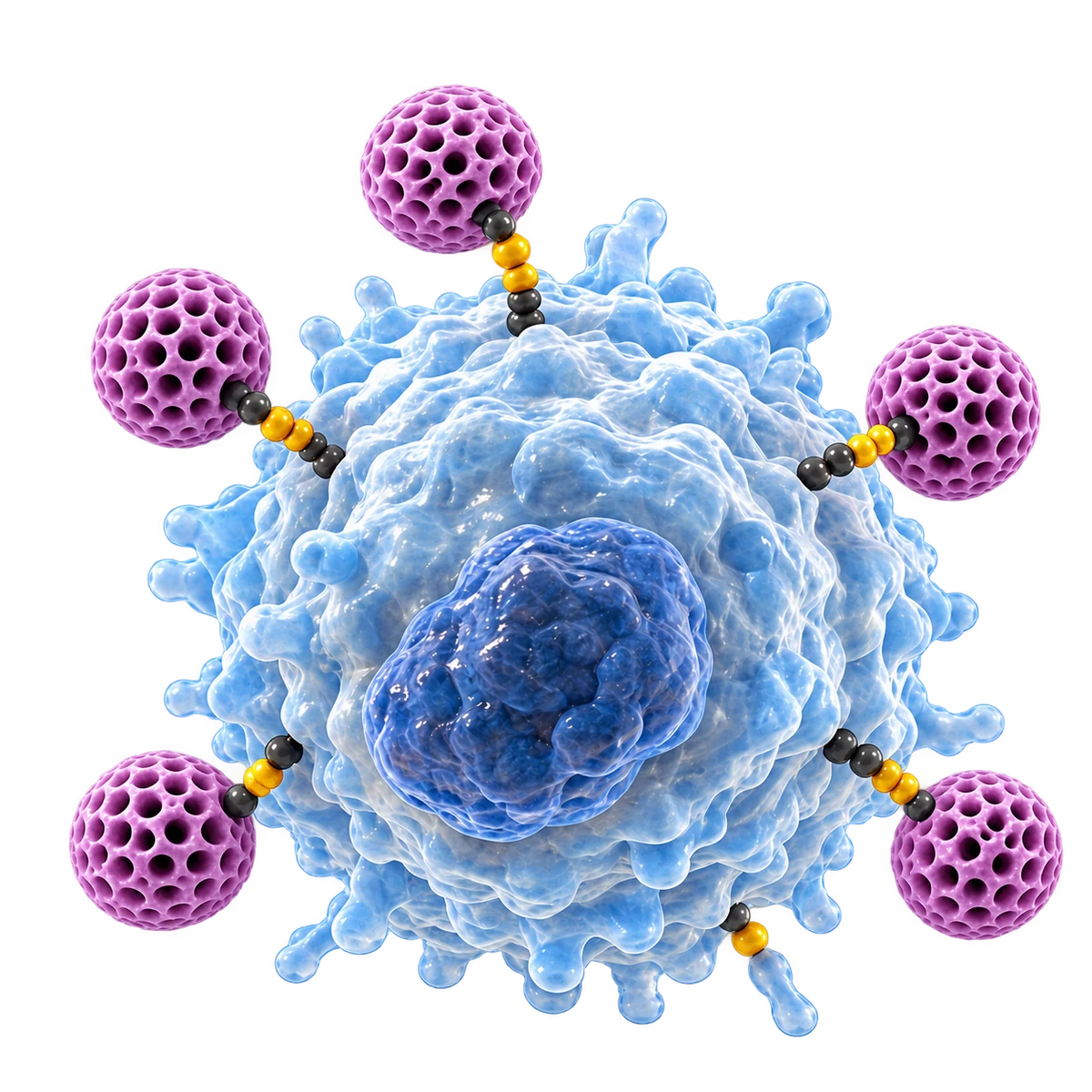 STRUCTURE · DEPTH · CLARITY
01 / CHOOSE YOUR PLATFORM
A Skill gives an AI a repeatable way to work. Your platform supplies the tools; B2R helps structure the figure task and revisions.
Codex in the ChatGPT desktop app
Plan a figure, generate artwork, and refine files in one project.
Use the Skills-enabled desktop app, an account with Codex access, and a session with imagegen available. Image generation uses platform limits.

Desktop workspace · Ardot image generation
Combine imported skills and reference files with AI image generation.
Install WorkBuddy desktop and sign in. Link Ardot in Design & Creativity, select AI image generation, and check account credits and permissions.

Formerly TraeWork · new desktop entry
Custom skills and Seedream generation, subject to your current client.
Use the new TRAE app and check Seedream availability. The recommended API-based image skill separately requires a Volcengine Ark API key and model access.
These are specific client workflows, not partnerships or compatibility certifications. Check account, region, and tool availability before installing.
QoderWork has announced a product transition, so it is not a starting point in this edition. Kimi Work requires skill-to-plugin conversion and an image-generation plugin; we will list it after testing the full B2R workflow. Standalone DeepSeek chat is outside this edition’s scope.
02 / FIGURES & EVERYDAY RESEARCH TASKS
From a research description to a figure you can keep refining. See what you bring, what takes shape, and what can change.
Clarify the entities, levels, and relationships before choosing a view, composition, and labels. Explain complex context while keeping questions for the researcher visible.
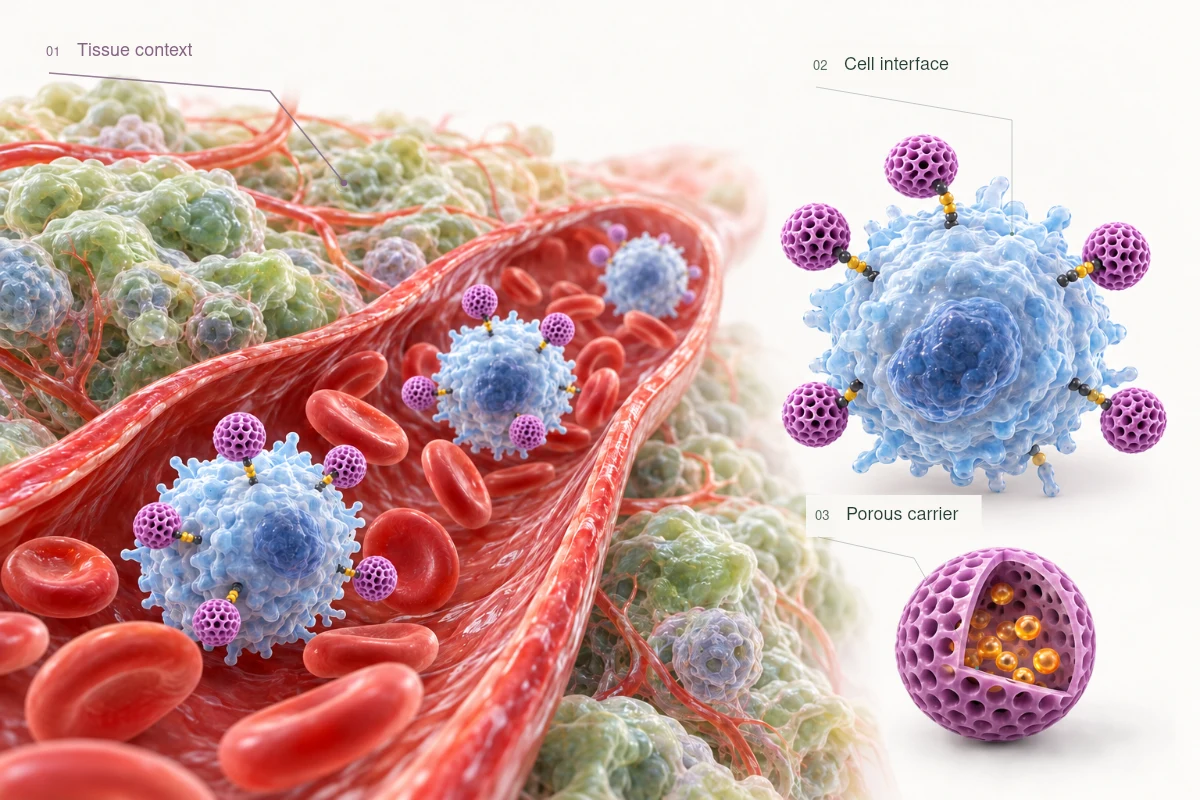
Establish the tissue context before moving into detail.
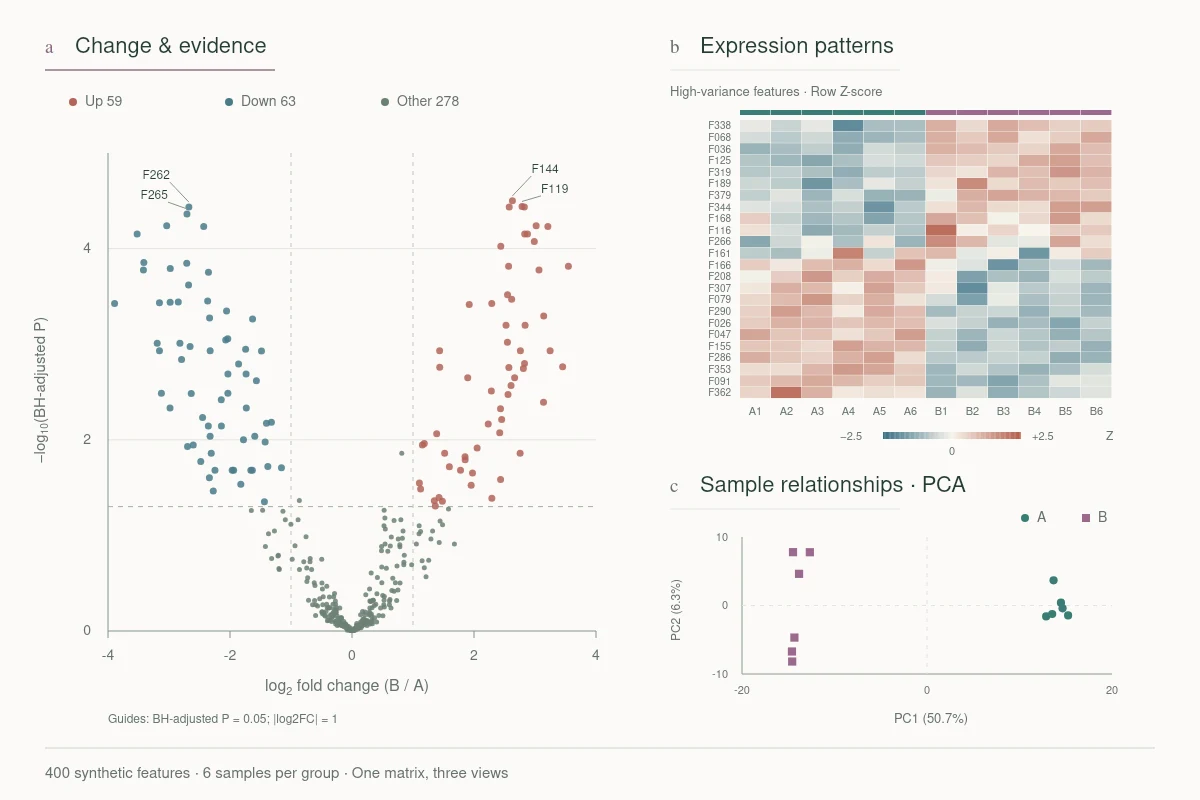
Show effect size alongside BH-adjusted statistical evidence.
Choose a visual form that fits the table. Preserve axes, groups, units, and processing notes. Explore differences, patterns, and sample relationships from one dataset.
Decide what must stay fixed, then work through labels, type size, spacing, and composition. Keep the scope clear and versions comparable.
This display compares typography, leaders, and hierarchy on the same artwork. It is not an online editor. Raster artwork is not fully editable vector content.
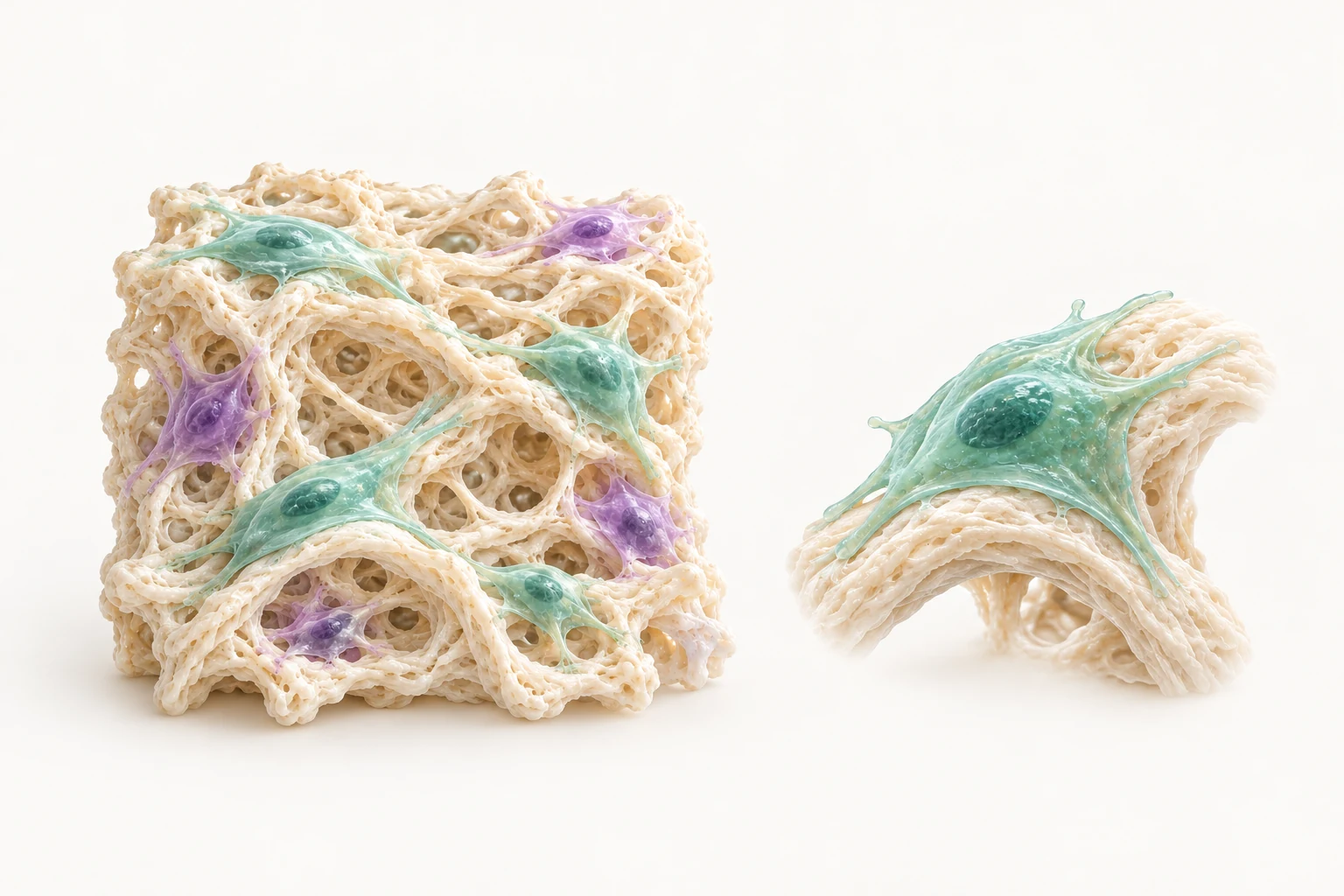
Original B2R visuals and demonstration data illustrate task types. They are not customer projects or verified outputs from a released Skill.
Explore more scientific figures03 / SKILL & INSTALLATION
Choose your client. Complete the platform setup now, then follow its installation path when the Skill is released.
The official release URL and package are not available yet. You can review the preparation steps and copy a first figure brief below.
Use the Skills-enabled desktop app, an account with Codex access, and a session with imagegen available. Image generation uses platform limits.
Codex official entryInstall the desktop app and create a figure project. First check that imagegen can generate and save an image.
After the B2R release, give the official repository URL to Skill installer, or install its SKILL.md directory using the official guide.
Check that the skill appears in Skills. Start a task, request B2R explicitly, and supply public or de-identified material.
Confirm the skill is listed and used, then generate an image file that you can reopen.
This guide targets the desktop workflow. Tools and permissions can differ in CLI, IDE, and web sessions.
This is a reusable task brief, not an installation command. After installing, explicitly request the B2R Skill.
Help me turn the research description below into a mechanism schematic. First list the key entities, established relationships, and questions for me to confirm. Propose a composition before drawing; do not invent mechanisms. Keep labels legible and explain which parts can be revised.

Research description: [your description]
Use and size: [paper figure / presentation, target size]
References: [public papers, a sketch, or images you are authorized to use]
The Skill is free. AI subscriptions, image credits, and third-party services follow each provider’s pricing.
A FEW QUESTIONS BEFORE YOU BEGIN
Writing a figure brief and requesting revisions usually do not require coding. Client setup, plugin authorization, or some image tools still require platform-specific configuration. Understand and review the methods used for complex data work.
No. B2R provides the Skill for free. Model calls, image credits, subscriptions, or API services may cost money. Check the limits shown in your chosen platform account before starting.
Bring your research objective, key entities and relationships, references or a sketch, and target dimensions. For data figures, include the source table, column meanings, groups, and units. Use public or de-identified material for the first test.
Name the region, the change, and what must remain fixed. Focus on one issue at a time. Text, vector objects, raster images, and rendered 3D artwork have different editing limits; ask for formats and limitations with the output.
Check your client version, enabled skill, image tool, and available credits. Record the error and steps already tried. The official community will offer troubleshooting discussions when it opens. Never post keys, patient data, or unauthorized research files publicly.
04 / LEARN & REFINE TOGETHER
Exchange drawing methods, share what you make, and find Skill updates and installation help. Let each revision inform the next figure.
Official community · Opening soon
Joining the community will not be required to get the free Skill.
Need another level of support? Discuss human refinement, expert review, or a complex project.
Discuss human support